

Operating state of the vehicle
Vehicle features and options
This chapter describes model-specific equip-
ment, systems, and functions that are currently
available, or may become available in the fu-
ture, even if they are not
present in the vehicle.
Additional information:
Vehicle equipment, refer to page
.
Principle
Depending on the situation, the vehicle will be
in one of three operating states:
▷
Idle state, refer to page
.
▷
Standby state, refer to page
▷
Drive-ready state, refer to page
.
Overview
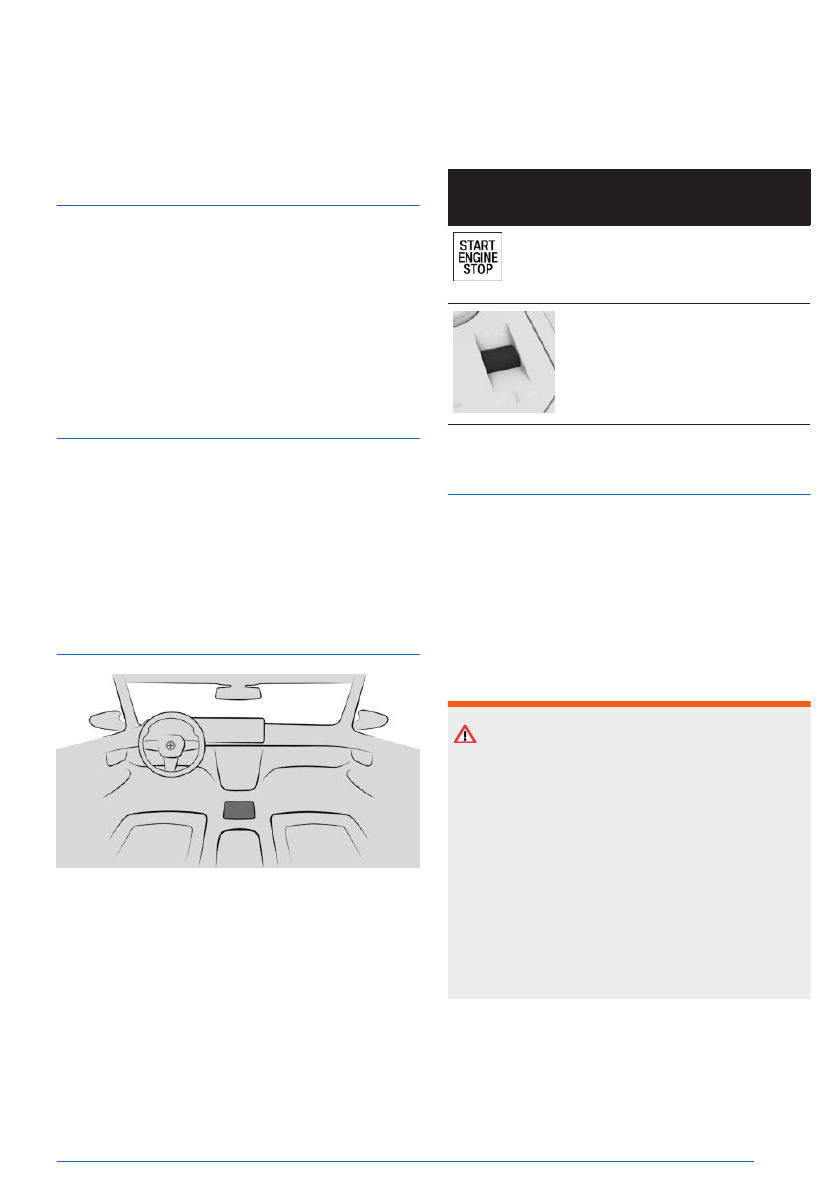
The operating elements for manually setting
the operating state are located at the bottom
of the center console.
Operating ele-
ment
Function
Start/Stop button for
turning on standby state
or drive-ready state.
Volume button for acti-
vating sleep mode or
turning on standby state.
Idle state
Principle
When the vehicle is in idle state, it is switched
off.
The vehicle is in
idle state until it is opened
from the outside or after it is exited and locked.
Safety information
WARNING
An unsecured vehicle can begin to move and
possibly roll away. There is a risk of accident,
injury, and property damage. Before leaving
the vehicle, secure the vehicle against rolling
away.
In order to ensure
that the vehicle is secured
against rolling away, follow the following:
▷ Set the parking
brake.
▷ Make sure that selector lever position P
is engaged.
Operating state of the vehicle
Controls
39
Online Edition
Deep sleep mode deactivates automatically
when drive-ready state is turned on.
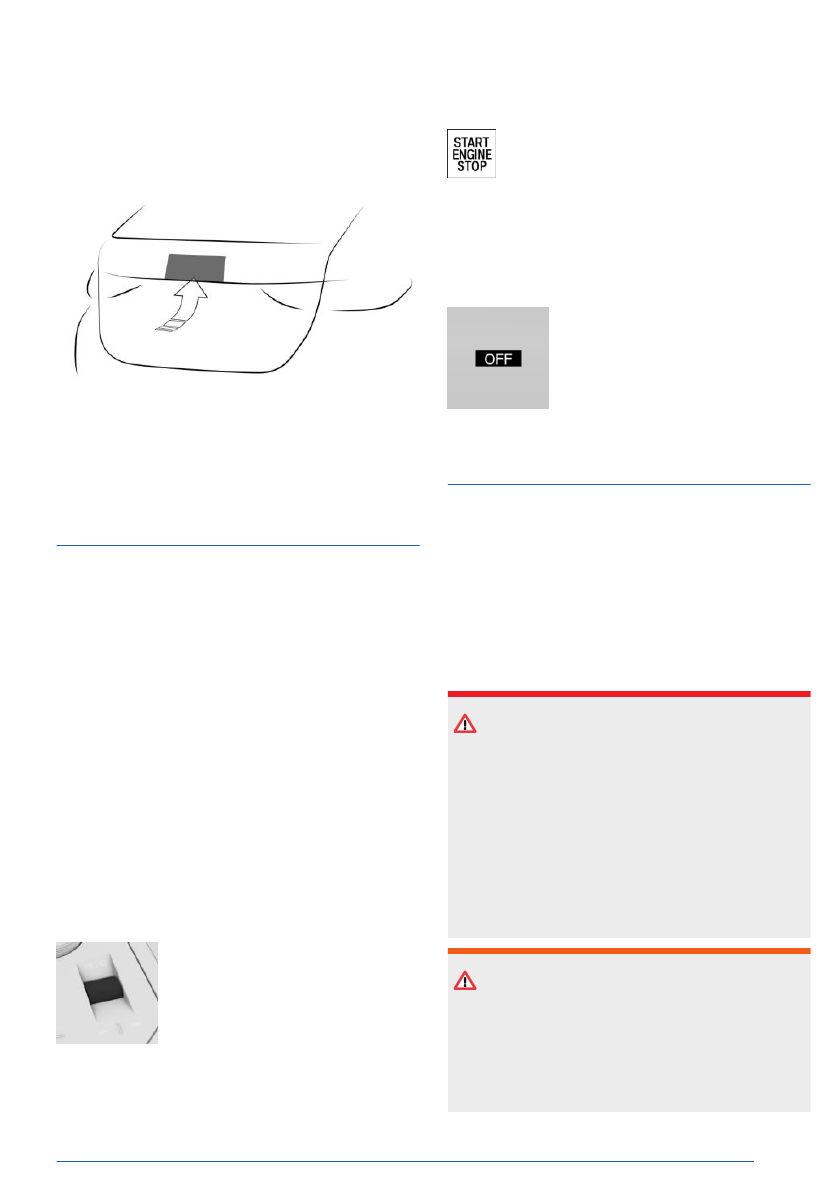
Access to the vehicle
Press the button on the cargo area to access
the vehicle while in deep sleep mode. Deep
sleep mode remains on in this case.
Standby state
Principle
If standby state is activated, most functions
can be used while the vehicle is stationary. De-
sired settings can be
adjusted.
The vehicle is in standby state after the front
doors are opened from the outside.
Turning on standby state manually
General information
Standby state can be reactivated manually if
the vehicle has been set to idle state automati-
cally.
Via the volume button
To manually turn on standby
state again using the volume
button on the center console,
push the volume button. The
control display and the instru-
ment cluster illuminate.
Using the Start/Stop button
To manually turn on standby state
again with the Start/Stop button, push
the Start/Stop button on the center
console. The control display and the instru-
ment cluster illuminate.
Display in the instrument cluster
If OFF is displayed on the instru-
ment cluster, drive-ready state
is turned off and standby state is
turned on.
Drive-ready state
Principle
Turning on drive-ready state corresponds to
starting the
engine.
Some vehicle functions can only be used with
the drive-ready state switched on.
Safety information
DANGER
If the exhaust pipe is blocked or ventilation is
insufficient, harmful exhaust gases can pene-
trate the vehicle. The exhaust gases contain
pollutants which are colorless and odorless.
In enclosed areas, exhaust gases can also
accumulate outside of the vehicle. There is a
danger to life. Keep the exhaust pipe free and
ensure sufficient ventilation.
WARNING
An unsecured vehicle can begin to move and
possibly roll away. There is a risk of accident,
injury, and property damage. Before leaving
the vehicle, secure the vehicle against rolling
away.
Operating state of the vehicle
Controls
41
Online Edition


