


Driving stability control systems
Vehicle features and options
This chapter describes model-specific equip-
ment, systems, and functions that are currently
available, or may become available in the fu-
ture, even if they are not
present in the vehicle.
Additional information:
Vehicle equipment, refer to page
.
Antilock Braking System
Principle
The Antilock Braking System prevents locking
of the wheels during
braking.
You remain able to steer your vehicle even dur-
ing full braking, which increases active driving
safety.
The Antilock
Braking System activates auto-
matically whenever drive-ready state is turned
on.
Malfunction
The Antilock Braking System warning
light illuminates continuously on the in-
strument cluster if the system is not
operational.
A Check
Control message is displayed.
▷
The Antilock Braking System is not availa-
ble.
▷
Steerability is limited during full braking.
Have the vehicle checked immediately by an
authorized service center or another qualified
service center or repair shop.
Brake assistant
The brake assistant automatically applies
maximum braking assistance when the brake
pedal is depressed quickly. This reduces the
braking distance to a
minimum for full braking.
To make full use of braking assistance, do not
reduce the pressure on the brake pedal during
full braking.
Compound brake
General information
The M Compound brake is a high-performance
brake system with perforated compound brake
disks.
Due to the
specific design, temporary function-
related noise may occur after an extended mi-
nor load.
The
function-related noises have no effect on
the performance, operational reliability, and
durability of the brake.
Correct braking
To prevent function-related noises, depress
the brakes hard a few times in regular inter-
vals. Ensure that the traffic situation permits
the braking.
With
moisture on the brake disks, the brake
system may be operated dry to prevent noise.
Dynamic Stability Control
Principle
Dynamic Stability Control helps keep your ve-
hicle safely on the road in critical driving sit-
uations. Depending on the situation, the drive
Driving stability control systems
Controls
215
Online Edition
If the OFF indicator light for Dynamic
Stability Control illuminates, the system
is deactivated.
If the warning light for Dynamic Stabil-
ity Control flashes, the system is regu-
lating the drive and brake power. The
vehicle is stabilized. Reduce the vehicle speed
and adjust your driving style to the road condi-
tions.
If the warning light for Dynamic Stabil-
ity Control illuminates, the system has
failed or is initializing. Driving stabiliza-
tion is restricted or has
failed.
If the warning light illuminates continuously,
have the vehicle checked immediately by an
authorized service center or another qualified
service center or repair shop.
Setting for increased driving
dynamics
Principle
For a more dynamic driving experience, you
can increase the driving dynamics via My
Modes.
Dynamic Stability
Control, and thus driving sta-
bility, are limited while accelerating and corner-
ing.
Overview
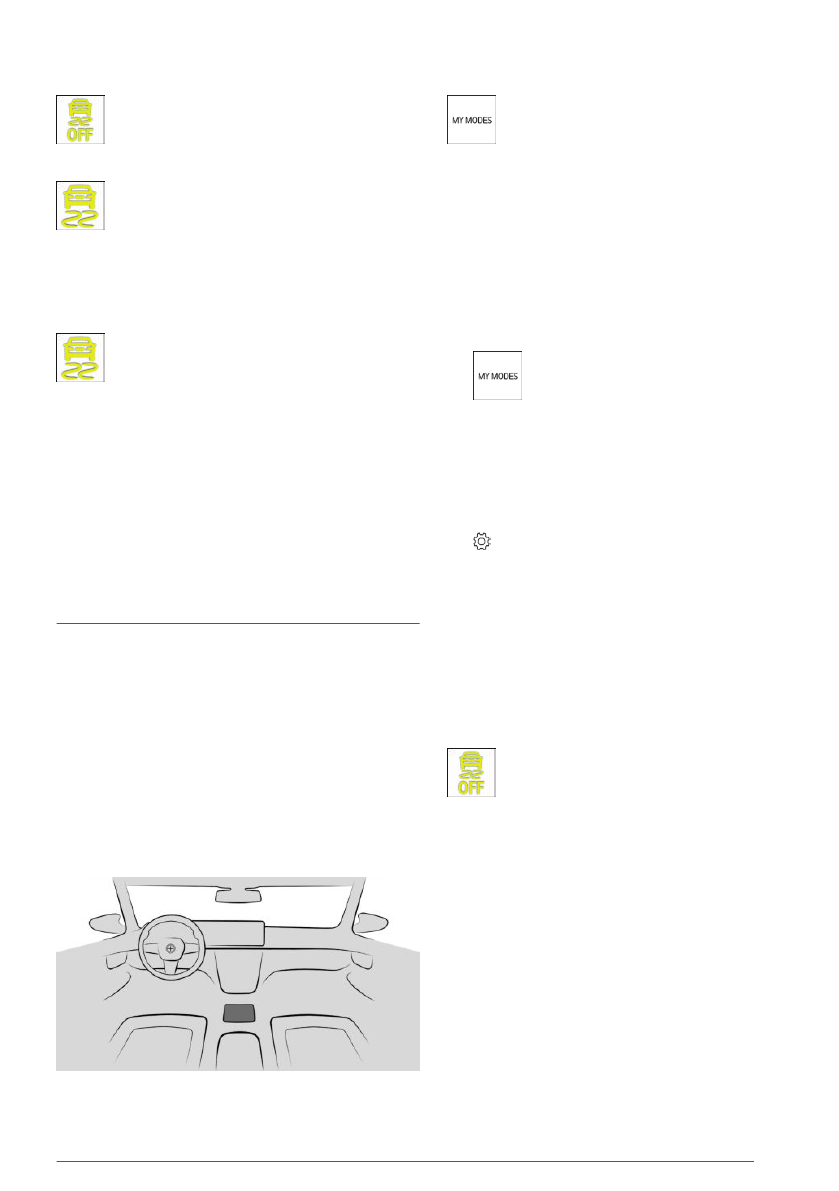
The My Modes button located on the
center console.
Functional requirements
To increase driving dynamics, you must se-
lect the following drive mode via My Modes:
"SPORT".
Activating/deactivating increased
driving dynamics
1.
To activate/deactivate increased
driving dynamics, press the My Modes but-
ton on the center console.
2.
"SPORT"
The
last Dynamic Stability Control setting
applied in this mode is activated.
3.
Select the settings icon.
4.
"Driving dynamics"
5.
"SPORT
PLUS"
Increased driving dynamics is activated.
Dynamic Stability Control automatically reacti-
vates when changing to another drive mode.
Display in the instrument cluster
The Dynamic Stability Control indicator
light on the instrument cluster illumi-
nates when increased driving dynamics
is activated.
Automatic program change
Increased driving dynamics deactivates auto-
matically in the following situations, for exam-
ple:
▷
When Distance Control is activated.
▷
In case of a brake intervention by For-
ward Collision Mitigation. Deactivate For-
ward Collision Mitigation as necessary.
▷
If the suspension control system fails.
▷
The vehicle has a flat tire.
Driving stability control systems
Controls
217
Online Edition

▷
Forward Collision Mitigation with brake in-
.
▷
Active Park Distance Control, refer to
page
.
Display in the instrument cluster
The set speed is displayed on the instrument
cluster together with the indicator light for Hill
Descent Control.
The display illuminates green when the
system is on. Hill Descent Control de-
celerates the vehicle.
The indicator illuminates gray when the
system is in standby.
Display in the Head-up display
The status of Hill Descent Control can also be
shown on the Head-up display.
Increasing or decreasing vehicle
speed
Using the rocker button for Cruise Con-
trol
The desired speed for Hill Descent
Control can be set using the rocker but-
ton on the left of the steering wheel.
▷
Press the rocker button up or down to grad-
ually increase or decrease the set speed.
▷
Press the rocker button up/down and hold
it until the desired speed is reached.
Using the brake pedal
While Hill Descent Control is regulating the ve-
hicle speed, the set speed can be decreased
by depressing the brake pedal.
Malfunction
If the Hill Descent Control malfunctions, a
Check Control message is displayed on the in-
strument cluster.
Servotronic
Servotronic is a speed-dependent steering
support.
The system
provides the steering force with
more support at low speeds than at higher
ones. This makes parking easier, for example,
and makes the steering firmer when driving at
faster speeds.
The
steering force is adapted to the set drive
mode to convey a firm, sporty feel or a com-
fortable steering
response.
Additional information:
My Modes, refer to page
.
Driving stability control systems
Controls
219
Online Edition


