

WHAT IS TRAIL CONTROL
WARNING:
The system does not
control speed in low traction conditions
or extremely steep slopes. The system
is designed to be an aid and does not
relieve you of your responsibility to drive
with due care and attention. Failure to
follow this instruction could result in
personal injury.
WARNING:
The system does not
replace the parking brake. When you
leave your vehicle, always apply the
parking brake and shift the transmission
into park (P) for automatic transmission
or first gear for manual transmission.
Trail control lets you focus on steering
during low-speed and off-road use by
controlling your vehicle's acceleration and
braking.
You can use trail control under the
following speeds:
•
20 mph (31 km/h) in two-wheel or
four-wheel drive high range.
•
10 mph (15 km/h) in four-wheel drive
low range.
•
5 mph (8 km/h) in reverse (R).
You may hear a noise from the anti-lock
brake system pump motor when you use
the system. This is normal.
SWITCHING TRAIL CONTROL
ON AND OFF
E272858
Press the button.
The system switches off if you press the
button again or exceed 42 mph (68 km/h).
SETTING THE TRAIL CONTROL
SPEED
E262918
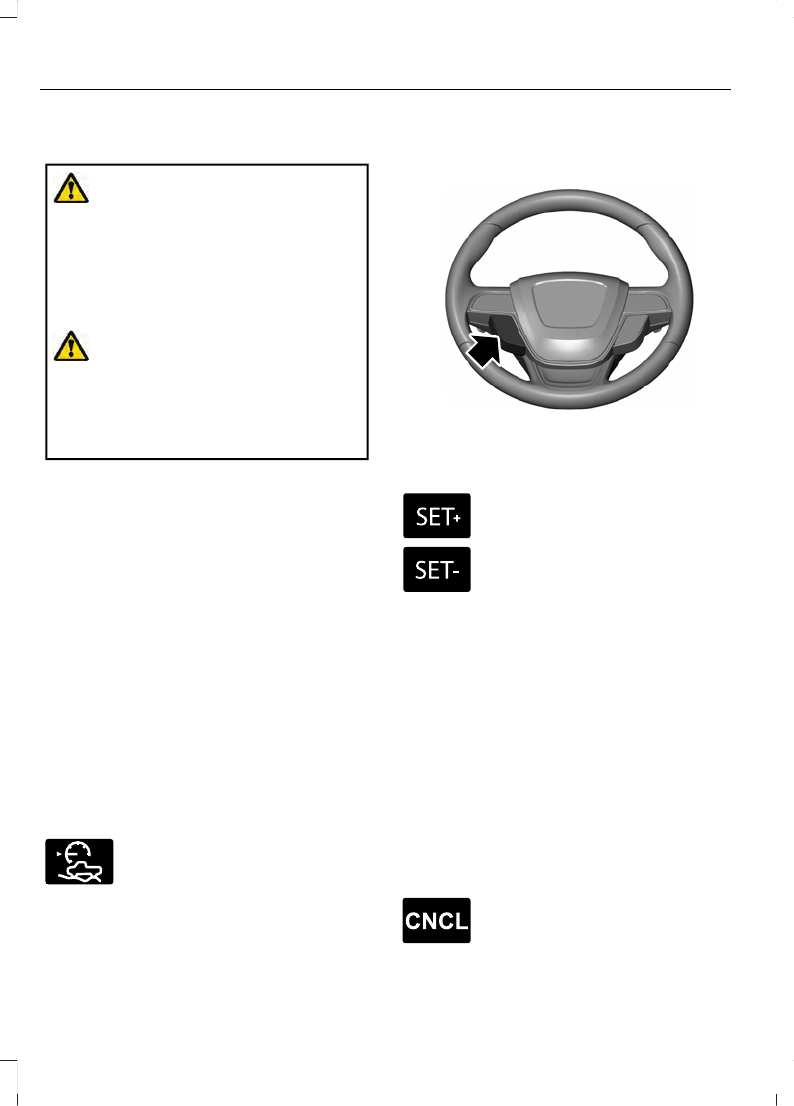
Note:
The buttons are on the steering
wheel.
Drive to the speed you prefer.
E327441
Press the button to increase the
current set speed.
Press the button to decrease the
current set speed.
Note:
The indicator changes color.
You can adjust the set speed in small or
large increments. Press the toggle button
upward or downward once to adjust the
set speed in small increments. Press and
hold the toggle button upward or
downward to adjust the set speed in large
increments.
You can also adjust the set speed by
braking.
Note:
Pressing the brake pedal does not
switch off the system.
CANCELING THE SET SPEED
E265298
Press the button.
182
Trail Control
(If Equipped)
TRAIL CONTROL INDICATORS
E272858
TRAIL CONTROL – TROUBLESHOOTING
Trail Control – Information Messages
Action
Message
Displays when you must reduce your vehicle speed to
use trail control.
Reduce Speed To Enter Trail
Control
Displays when you must release the park brake to use
trail control.
Trail Control Not Available with
Park Brake Applied
Displays when you successfully enabled trail control
and can set a speed with the
SET+
or
SET-
control.
Trail Control Enabled Use SET
Button to Set Speed
Displays when a system fault has occurred when trail
control was active and the driver must resume control.
Trail Control Off Driver Resume
Control
Displays when the system has turned off.
Trail Control Off
Displays when a system fault is present. See the trail
control section in your Owner's Manual.
Trail Control Fault See Manual
Displays when you must be in drive (D), neutral (N) or
reverse (R) to use trail control.
Trail Control To Activate Select
Gear
Displays when you must switch the cruise control off
to use trail control.
Trail Control Not Available with
Cruise Control Active
Displays when you must close the driver door to use
trail control.
Trail Control Not Available with
Driver Door Open
You switched Descent Control off, causing the system
to turn trail control propulsion off. The vehicle still
brakes if descending a hill. You must press the trail
control switch to reset the system and switch it off.
You can press the switch again to switch this system
on.
Descent Control Now Active
Press Trail Control Switch To
Exit
183
Trail Control
(If Equipped)


