

12 V DC Power Point
WARNING:
Do not use a power
point for operating a cigar lighter.
Incorrect use of the power points can
cause damage not covered by the
vehicle warranty, and can result in fire or
serious injury.
Note:
When you switch the ignition on, you
can use the socket to power 12 V appliances
with a maximum current rating of 15 A.
If the power supply does not work after you
switch the ignition off, switch the ignition
on.
Note:
Do not hang any accessory from the
accessory plug.
Note:
Do not use the power point over the
vehicle capacity of 12 V DC 180 watts or a
fuse may blow.
Note:
Always keep the power point caps
closed when not in use.
Do not insert objects other than an
accessory plug into the power point. This
damages the power point and may blow
the fuse.
Run the vehicle for full capacity use of the
power point.
To prevent the battery from running out of
charge:
•
Do not use the power point longer than
necessary when the engine is not
running.
•
Do not leave devices plugged in
overnight or when you park your vehicle
for extended periods.
Location
Power points may be in the following
locations:
•
On the front of the center console.
•
Inside the center console.
•
On the rear of the center console.
•
Inside the luggage compartment.
110 V AC Power Point
(If Equipped)
WARNING:
Do not keep electrical
devices plugged in the power point
whenever the device is not in use. Do not
use any extension cord with the 110 volt
AC power point, since it will defeat the
safety protection design. Doing so may
cause the power point to overload due
to powering multiple devices that can
reach beyond the 150 watt load limit and
could result in fire or serious injury.
Note:
The power point turns off when you
switch the ignition off, or when the battery
voltage drops below 11 volts.
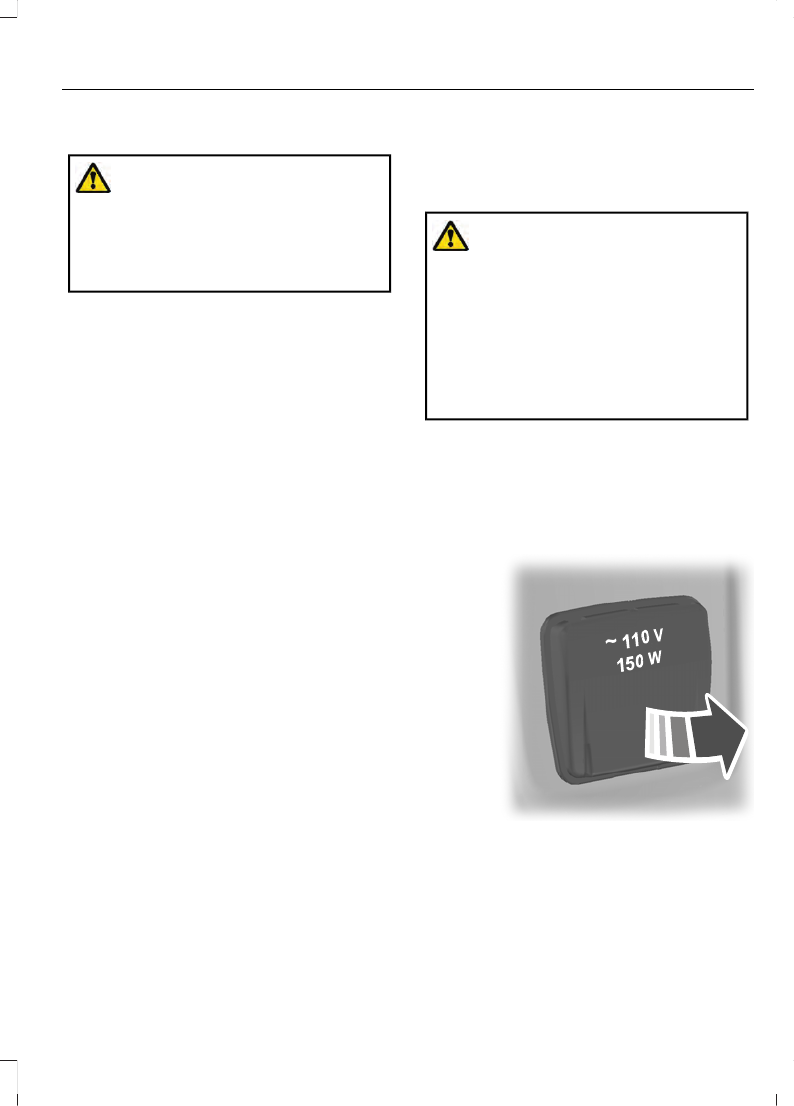
You can use the power point for electric
devices that require up to 150 watts. It is
on the rear of the center console.
E305821
137
Auxiliary Power Points

When the indicator light on the power point
is:
•
On: The power point is working, the
ignition is on and a device is plugged
in.
•
Off: The power point is off, the ignition
is off or no device is plugged in.
•
Flashing: The power point is in fault
mode.
The power outlet temporarily turns off
power when in fault mode if the device
exceeds the 150 watt limit. Unplug your
device and switch the ignition off. Switch
the ignition back on, but do not plug your
device back in. Let the system cool off and
switch the ignition off to reset the fault
mode. Switch the ignition back on and
make sure the indicator light remains on.
Do not use the power point for certain
electric devices, including:
•
Cathode-ray, tube-type televisions.
•
Motor loads, such as vacuum cleaners,
electric saws and other electric power
tools or compressor-driven
refrigerators.
•
Measuring devices, which process
precise data, such as medical
equipment or measuring equipment.
•
Other appliances requiring an
extremely stable power supply such as
microcomputer-controlled electric
blankets or touch-sensor lamps.
138
Auxiliary Power Points


